Finn Scale Co. / Scale Services
Systems Integration
Connect weighing equipment with the information and controls your operation uses every day.
Discuss Your Project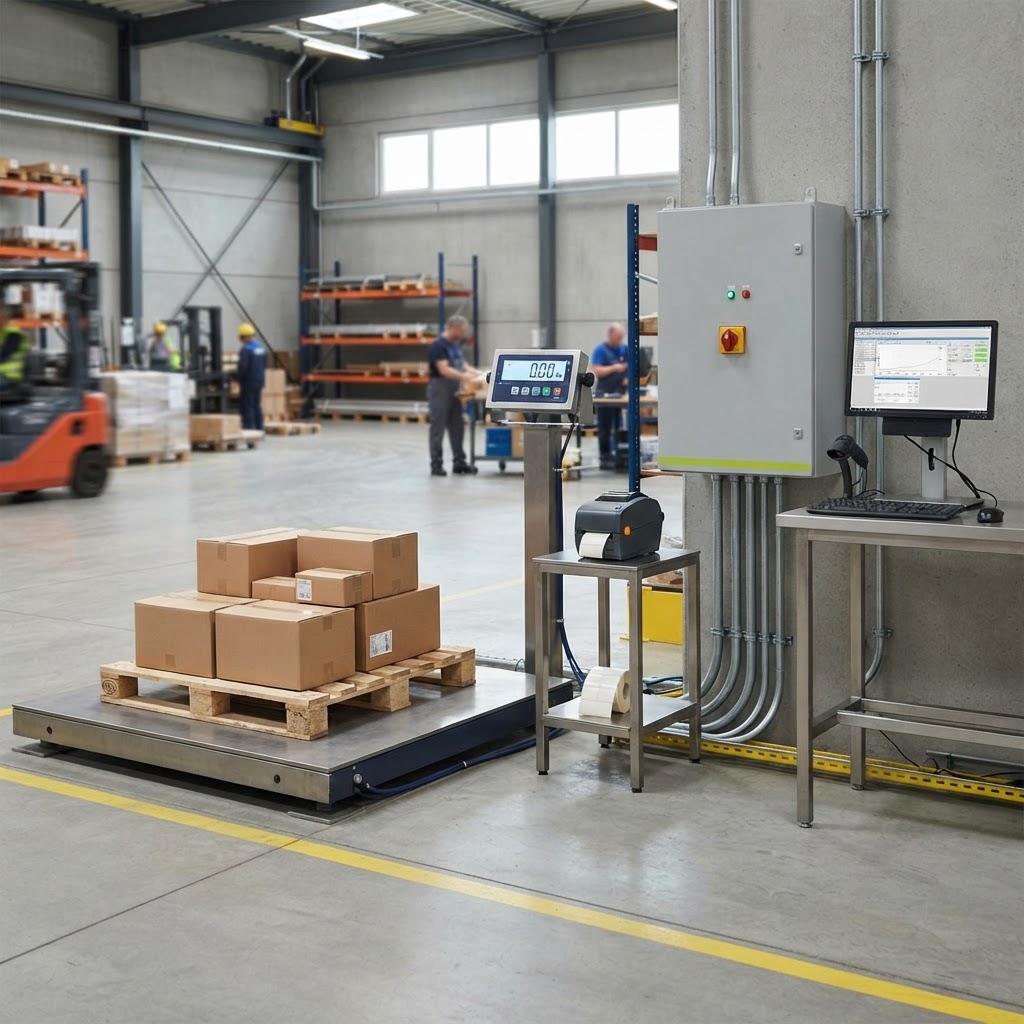
Applications & support
- Truck ticketing and transaction records
- Inventory and receiving workflows
- Batching and production data capture
- ERP and WMS integration
- Unattended kiosk weighing systems
01 / Scale Services
From the scale to your workflow
Finn Scale helps plan integration between scales, indicators, printers, software, and process equipment. Applications include receiving records, inventory transactions, batching, and production reporting.
02 / Scale Services
Compatibility comes first
Connections depend on the indicator, communication protocol, software interfaces, and operating environment. Share the models already installed and the data you need to exchange so we can define a suitable integration scope.
03 / Scale Services
Understanding your data requirements
Integration planning starts with a clear definition of the information you need to capture and where it must go. Gross weight, tare weight, and net weight are the basic data points, but transactions may also require vehicle identification, driver names, material or product codes, customer account numbers, purchase order references, and timestamp records. Some operations need real-time data pushed to an ERP or warehouse management system, while others only require a printed ticket or a local database export. Defining these requirements up front prevents scope creep and compatibility surprises later.
04 / Scale Services
Communication protocols & interfaces
Scale indicators communicate using a variety of protocols, including RS-232 serial, RS-485, Ethernet (TCP/IP), USB, and proprietary industrial bus systems. Each protocol has different cabling requirements, distance limitations, and data format characteristics. Verify which protocols your existing indicator supports and which your target software can accept. Some indicators output continuous streaming data (the weight reading is sent repeatedly at regular intervals), while others respond only to a polling request. Understanding these differences is essential for a reliable integration.
05 / Scale Services
Software compatibility & middleware
Off-the-shelf weighing software may connect directly to certain indicator models, but custom integrations often require middleware that translates between the indicator's data format and the target system's API. Database structures, field names, data types, and record-handling rules must be mapped carefully. Test with representative data before deployment, including edge cases such as zero readings, overload conditions, and communication interruptions. Software licensing, update policies, and ongoing support should also be clarified as part of the integration scope.
06 / Scale Services
Ticketing & transaction workflows
A truck scale transaction involves more than capturing a weight. Define how operators start a transaction (manual entry, card swipe, license plate recognition, or kiosk input), how tare weights are handled (stored, entered, or captured by weighing the empty vehicle), and how material codes are selected. Ticket content should include all required fields: date, time, vehicle ID, gross, tare, net, material, and operator or driver identification. Consider duplicate-record prevention, correction procedures, and how the system handles a power interruption or network outage mid-transaction.
07 / Scale Services
Validation, testing & operator training
Before relying on the integrated system in production, test the complete workflow end to end. Verify that tickets print correctly with the right units and formatting, that data appears in the target system with correct field mapping, and that error conditions produce clear operator messages rather than silent failures. Operator training should cover normal operation, exception handling, and basic troubleshooting. Document the system configuration, including connection settings, software versions, and field mappings, so future modifications can be made without reverse-engineering the original setup.
What to include in your inquiry
- Scale and indicator model numbers
- Software platform and available interfaces
- Ticket, reporting, and automation requirements
Helpful answers